Meet your coach, transform your health
Your AI Coach leads the way — a simple journey from your first chat to lasting transformation, with smart tools supporting you every step.
1. Tell your AI Coach your goal
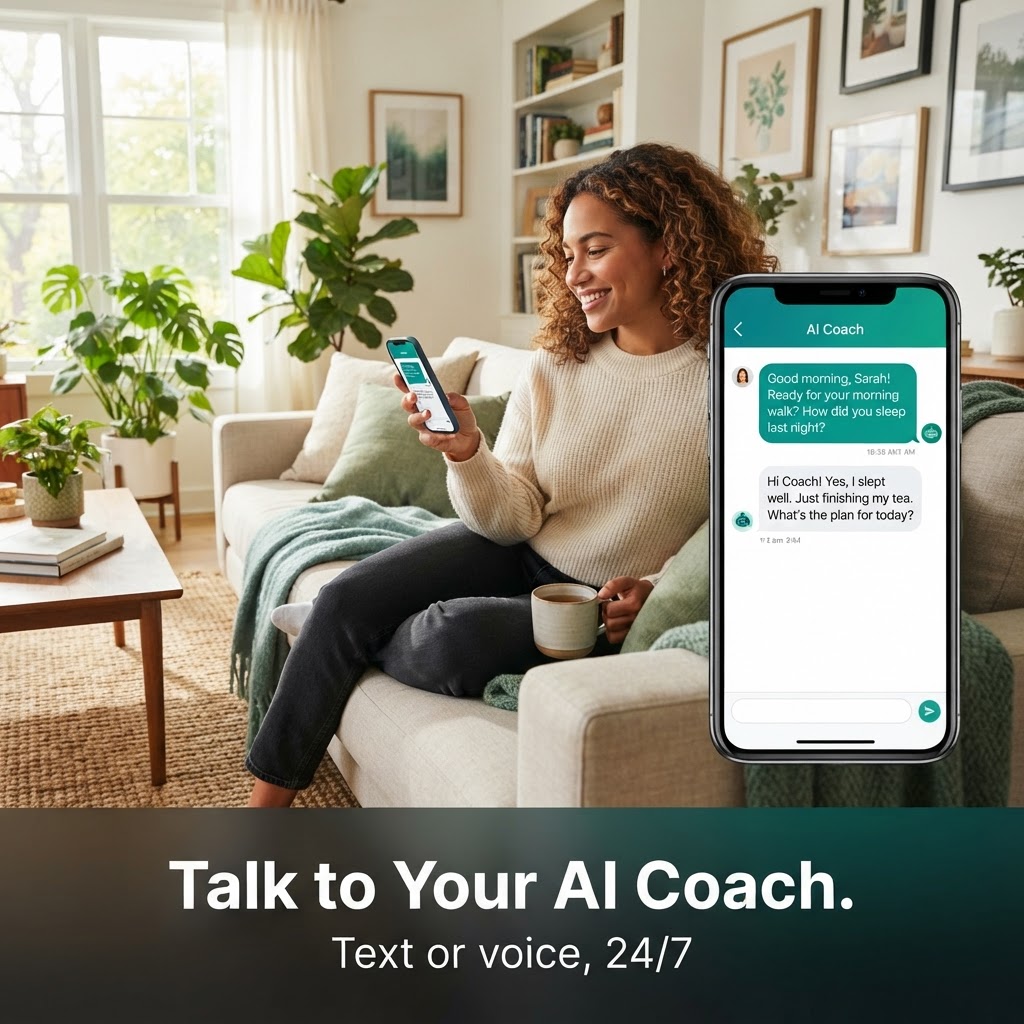
Your AI Coach is the heart of Nutrify AI, and your journey starts with a conversation. Open the app and tell your coach what you want to achieve, in your own words, by typing or by voice. There is no rigid questionnaire to fill in, just a chat that listens and remembers.
Tell your coach your goal, whether that is losing weight, running a first 5K, building strength, managing a condition, or simply feeling more in control of your health. Share the details that matter: your schedule, the days you train, foods you like or avoid, how you sleep, and anything you have tried before. The more context you give, the more your coach can personalise everything that follows.
You can also choose a coaching style that suits you. Want a coach that is encouraging and gentle, or one that is direct and holds you accountable? Prefer short check-ins or longer weekly reviews? Your coach adapts to the tone and cadence you pick, and you can change it any time from Settings. Everything you share stays in your coach's memory across conversations, so you never have to repeat yourself. If you want to see the full set of tools your coach can draw on, browse the features page.
2. Week Setup plans your week
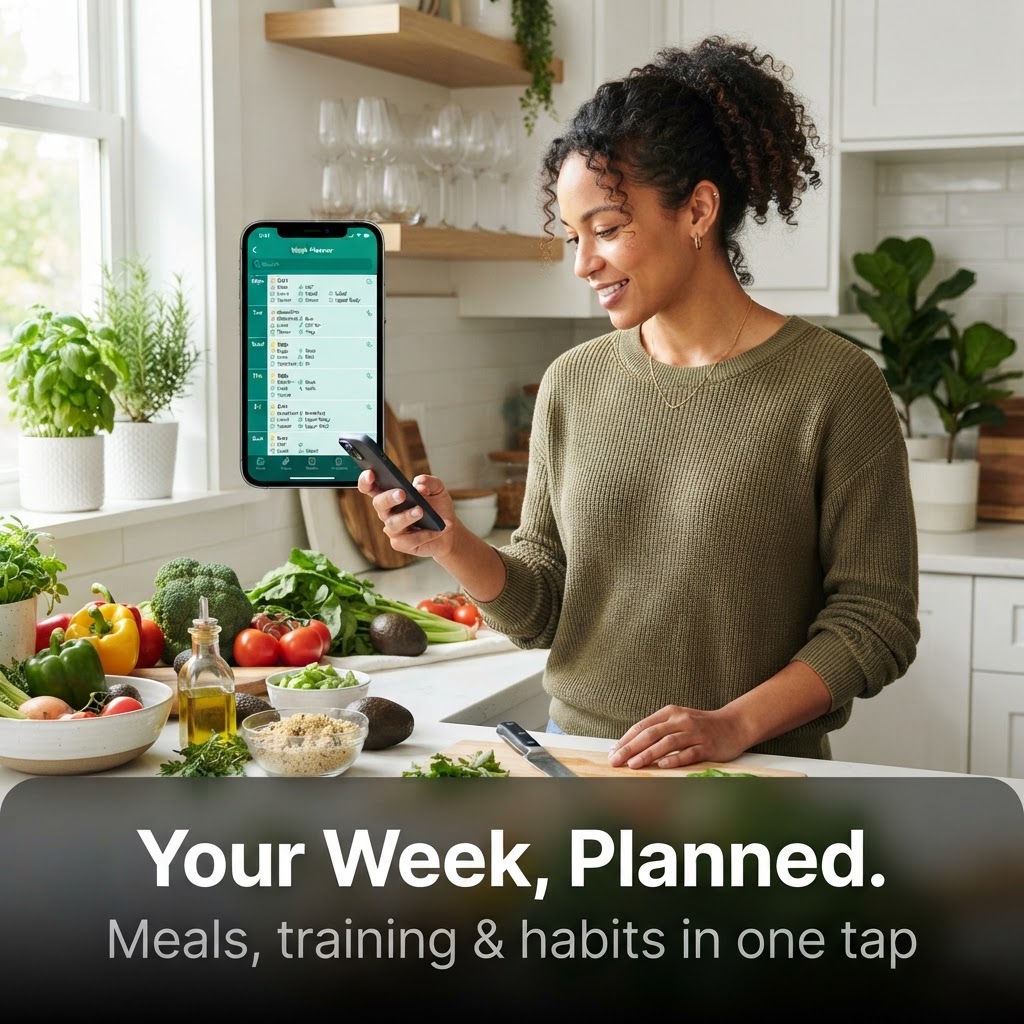
Instead of planning one meal or one workout at a time, Week Setup builds your whole week in a single step. Tell it how many servings you want, how much cooking effort, how many training minutes and which days, then hit Plan week. Your choices become hard rules: the plan is built around them, not loosely inspired by them.
Rest days stay rest days. If you said you do not train on Wednesdays, Week Setup will not quietly add a workout. The same applies to your food preferences and your training days, so the week you get is the week you asked for. As the plan is being generated it moves through three clear states: Waiting while your request is queued, Building while the coach assembles your seven days, and Ready when your full week is there to review.
If a day does not turn out the way you wanted, you can Redo day to regenerate just that day, or Rebuild week to start the whole week over. Both always ask for your confirmation first, so a tap never wipes out a plan by accident. Coach, Week Setup and your Today list all show the same items in time order, with no duplicates, so what you planned is exactly what you follow. For training-focused weeks, the AI fitness app works the same way.
3. Follow, track and let your coach adjust
Each day, your Today list shows the meals, training and habits your coach planned for that day, in time order. Work through it, tick things off, and chat to your coach whenever you need help, a swap, or a quick answer.
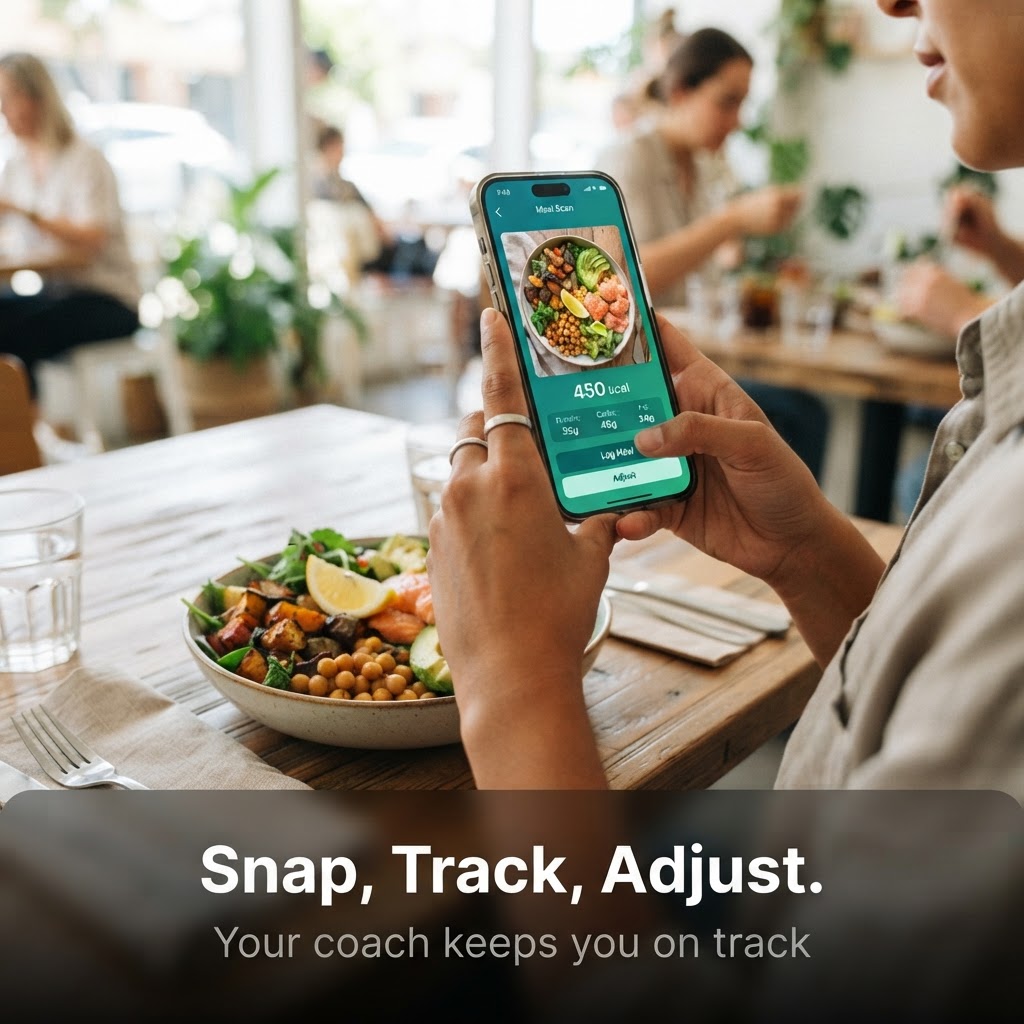
Logging a meal takes seconds. Point your camera at any plate and the photo meal scanner identifies each food item and calculates calories, macros and micronutrients automatically, no barcode needed. Before the entry is saved you get a quick confirmation step, so you can correct a portion or an item if the scan got it wrong. The same confirmation keeps your diary accurate and trustworthy.
Everything you log flows into your Diary History, where each entry carries an owner badge showing who added it, you or your coach, so there is never any confusion about where a number came from. Your coach watches this data and makes only small daily adjustments, nudging a snack, shifting a workout, or topping up your protein, rather than rewriting your plan. Bigger changes always come back to you for confirmation. To dig into the coaching experience, see the AI health coach app.
Your free AI allowance
Nutrify AI is free to download and use. On the free plan you get 5 shared AI actions every day. That allowance is shared across all of Nutrify AI's AI features, so chatting with your coach, scanning a meal, running the product checker and generating a recipe all draw from the same daily pool of 5.
Week Setup is part of that allowance too. You can run 2 full week plans each week on the free plan, and the counter resets every Monday, so you can plan your week ahead and refresh it once more if your plans change. Plenty of everyday actions do not use an AI action at all: ticking items off your Today list, logging a meal manually, viewing your Diary History, checking your progress charts and reading your coach's messages are all free, unlimited and never count down your daily 5.
When you are ready for unlimited coaching, unlimited meal scans and unlimited Week Setup runs, Premium unlocks all of it, monthly or annually.

How it works FAQ
No. Nutrify AI is free to download on iOS and Android, and the free plan includes your AI Coach and 5 shared AI actions every day. Premium unlocks unlimited use. See the full comparison on the pricing page.
Meet your AI Coach today
Download free on iOS and Android. Start chatting in under 2 minutes.
We use cookies for analytics and to measure our ads. You can accept or reject non-essential cookies. Privacy Policy